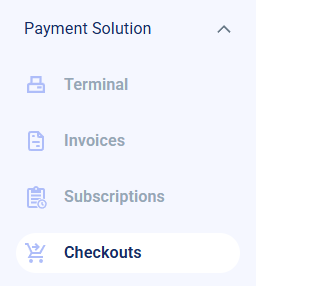
- From your side drawer, under Payment Solution, go to Checkouts.
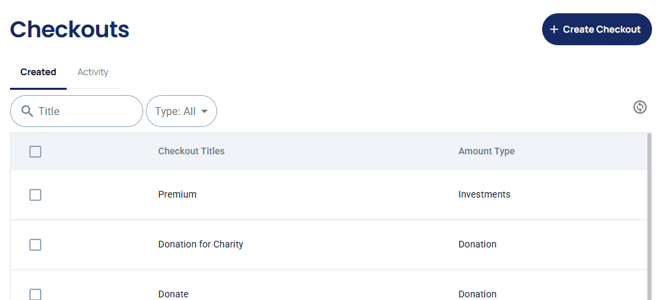
- Open the checkout you want to change and click Edit Checkout.
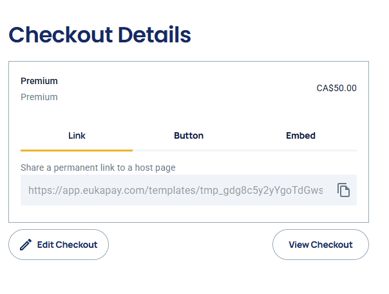
- On the Edit Checkout page, the user can make modifications to all information except the type of requested currency. You can also add, edit or remove ticket types under Tickets/Items.
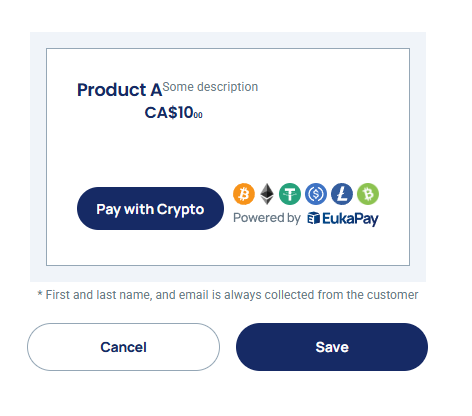
- Once all modifications have been made, click Save.