
What is EukaPay ID? EukaPay ID is our one-time identity verification process for payors (end users). It lets us confirm who you are before you make a payment, keeping the platform safe and compliant with financial regulations.
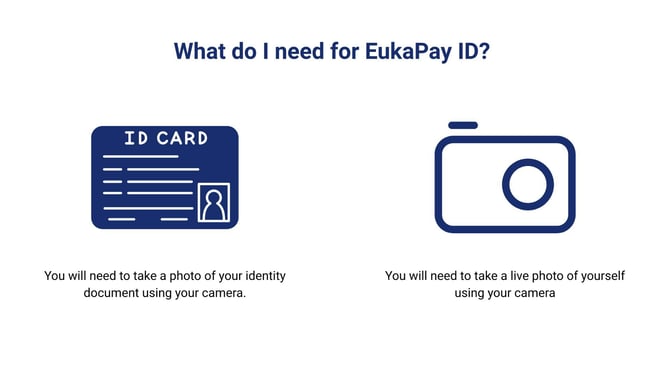
What you will need:
1. Government-issued photo ID: Passport, national ID card, or driver's licence
2. Selfie / liveness check: A short live photo to match against your ID
Step-by-step guide
1. Create or sign in to your account
Go to the EukaPay payment page provided by your merchant. Enter your email to register or sign in. You'll receive a confirmation email to verify your address before continuing.
2. Start the EukaPay ID verification
Once signed in, you'll be prompted to verify your identity. Click Verify my identity to begin. The process runs inside a secure third-party verification flow and takes about 2–3 minutes to complete.
Required
3. Upload your government-issued photo ID
You'll be asked to take or upload a photo of your ID document. Accepted documents include a passport, national ID card, or driver's licence. Make sure the document is valid (not expired), clearly lit, and all four corners are visible in the frame.
Required
4. Complete the liveness check
You'll be asked to take a brief selfie or complete a short liveness test so the system can confirm you're the person pictured in the ID.
5. Verification review (Automatic in most cases)
Most submissions are approved instantly. In some cases, our compliance team reviews the submission manually, which can take up to 24 hours. You'll be notified by email as soon as a decision is made — no need to resubmit while waiting.
6. Make your payment
Once approved, you can proceed with your payment straight away. Your EukaPay ID is saved to your account — you won't need to go through this process again for future payments.